Meet the companions
M1K3's voice mode has an opt-in cast of 3D companions. Pick one in Settings and it stands in for the pixel face while you talk: it idles while M1K3 listens, breaks into a run while it thinks, and jumps when it's delighted to answer. Everything is rendered locally with RealityKit — like every other part of M1K3, nothing about your conversation leaves the Mac. The pixel face stays the default; the creatures are for fun.
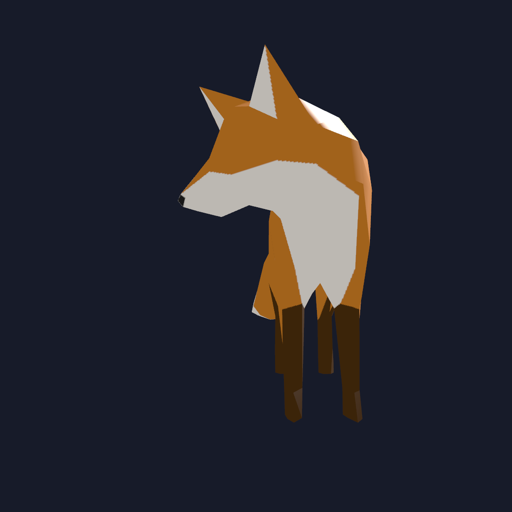
FOX
the originalThe first companion, and the face of the launch page. Surveys the room while you speak, as a fox does.
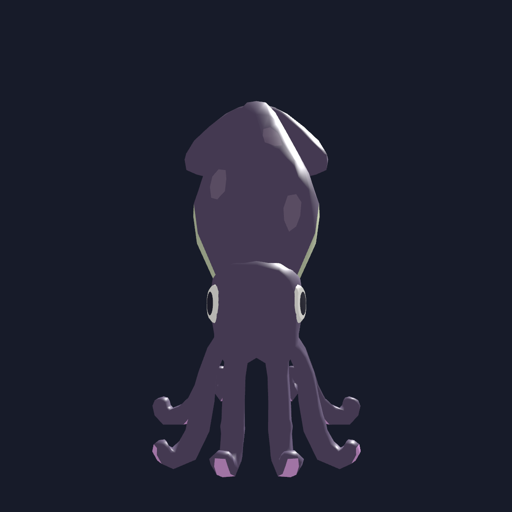
INKFISH
the swimmerWater-native: gliding is walking, jetting is running. Never pretends to have legs.
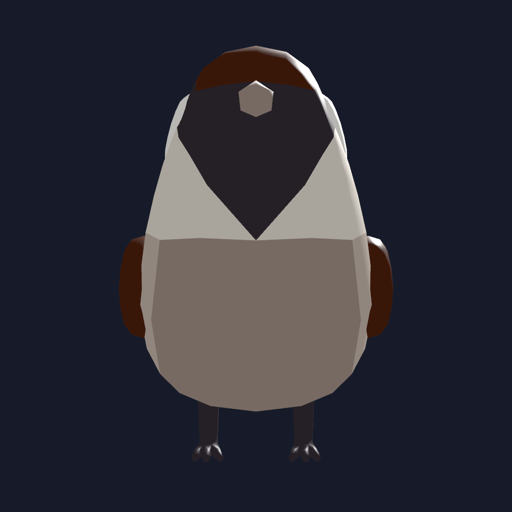
SPARROW
the flierAir-native: moving means being on the wing, and delight is a little hop.

GECKO
the comeback kidCut from the first lineup when her animations froze; it took a proper debugging saga to learn the renderer refuses skeletons with a certain name. She animates beautifully now.
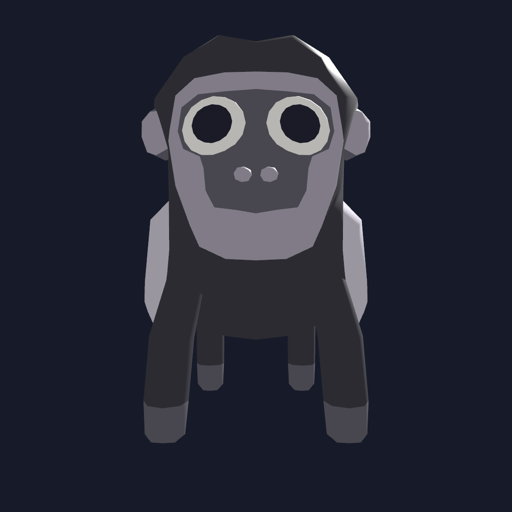
COLOBUS
the newestJoined the same day the gecko came back — the pipeline was warm. Big eyes, bigger reactions.
How it works
Each creature ships as a set of baked animation clips, and M1K3 maps its state onto them — listening, thinking, and speaking each get a gait, and errors get an honest flinch. Companions are pure presentation: they read the same avatar state the pixel face does, and switching between them (or back to the pixel face) changes nothing about how M1K3 hears, thinks, or remembers.
The models are deliberately tiny — a few hundred kilobytes each — so the whole cast adds almost nothing to the app. If a creature's assets aren't bundled, it simply doesn't appear in the picker.
Pick your companion
Settings → Voice companion, then start voice mode.